Lost and Found App
Built a cross-platform system with geo-radius and keyword matching, notifying users in real time when matching items are reported.
Technologies Used
Scope & Context
Founding Engineer project targeting high concurrency, real-time sync, or custom system designs.
Codebase Link
The Problem
College campuses lack a unified directory for lost items. Students usually post details on random chat groups, which are disorganized and lack search functionality. As a result, items like keys, IDs, and earphones are rarely returned to their rightful owners.
A successful mobile solution needs to support image uploads, geographical tagging, real-time message alerts, secure backend verification, and direct authentication to verify campus membership.
The Solution & Architecture
I built a mobile lost-and-found system using React Native, a Spring Boot Java REST API, and Supabase:
- React Native Client: Developed a cross-platform mobile client with Expo, utilizing TypeScript and Shopify FlashList for fluid list scrolling.
- Spring Boot API: Built a backend REST server in Java/Spring Boot to handle business logic, geo-radius matching query computations, and notification triggers.
- Database & Storage: Leveraged Supabase (PostgreSQL) for structured metadata storage and Cloudinary for high-performance image hosting, compression, and dynamic format optimizations.
Engineering Deep Dive
A major backend challenge was managing a secure session lifecycle and real-time user notification flows. We routed critical workflows through the Spring Boot API, validating incoming requests against JWTs, implementing token rotation cycles, syncing FCM tokens, and setting up automated stale-session cleanup tasks.
On the client, we faced poor page rendering performance when listing items. Rendering high-resolution pictures uploaded by users consumed excessive device memory and caused screen lag during fast scrolls.
I solved this by writing a compression function that intercepts uploads on the mobile client, reducing images to <200KB and using Cloudinary's dynamic resize and format conversion APIs (delivering optimized WebP/AVIF formats based on client capabilities) before rendering them.
Additionally, I replaced standard React Native ScrollView lists with FlashList from Shopify, which recycles cells and memory, and wrapped images in caching containers to prevent redundant network fetches.
Related Reading: Interested in how modern authentication models secure client-server communication? Check out my guides: JWT vs Sessions: What I Learned Building Apps and My First OAuth 2.0 Integration: From Zero to Production.
Quantifiable Metrics
Visual Showcase
Screenshots, dashboard metrics, and recorded event videos proving the system running in real-time.
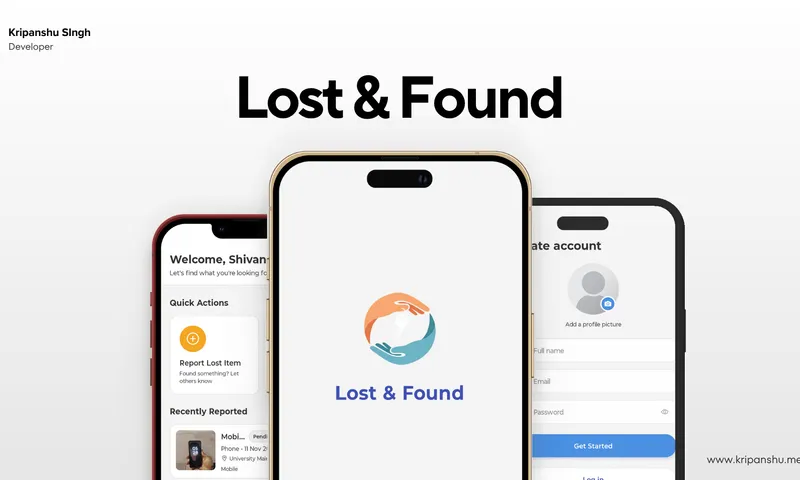
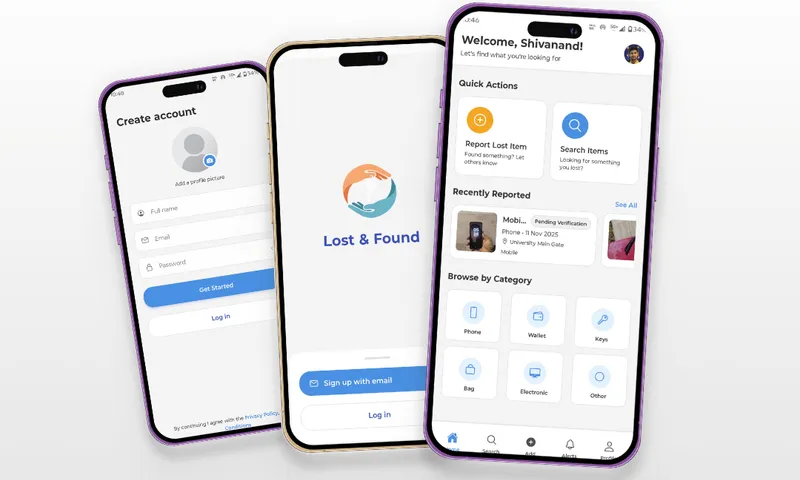
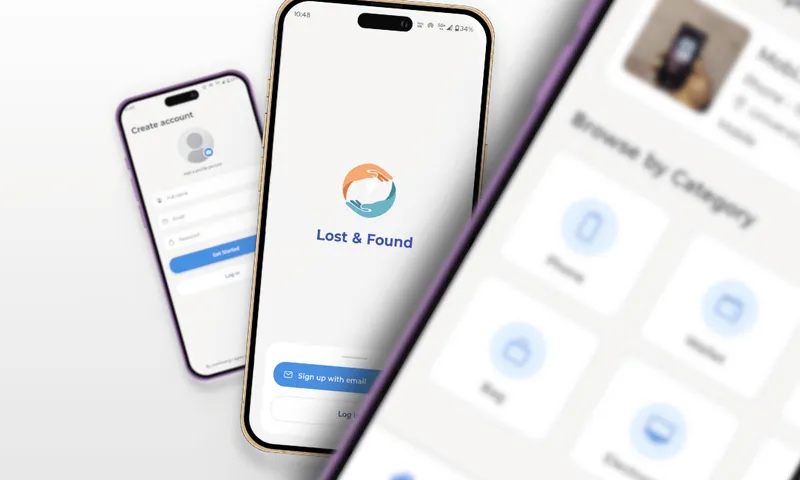
Campus mobile client lost-and-found browse interface.
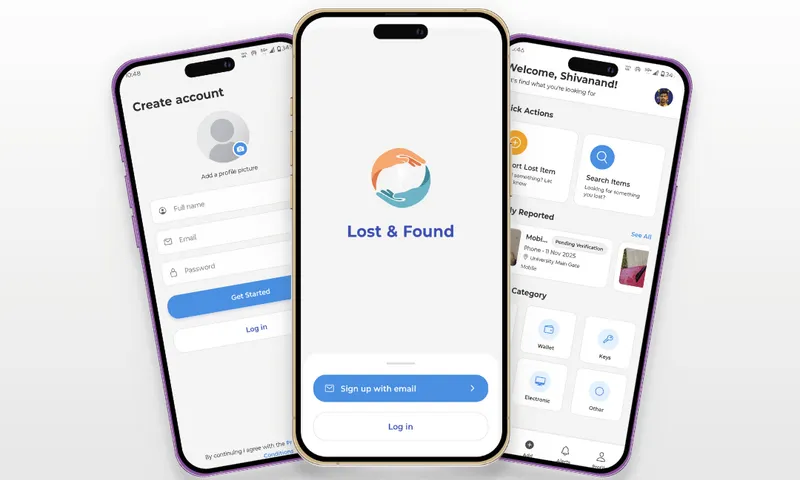
Item reporting module showing camera preview integration.
Map visualization showing location where items were found.
User profile screen detailing reported and claimed items history.